Convert (Any format ↔ Any format: JSON · YAML · XML · CSV · TOML · NDJSON · TOON)
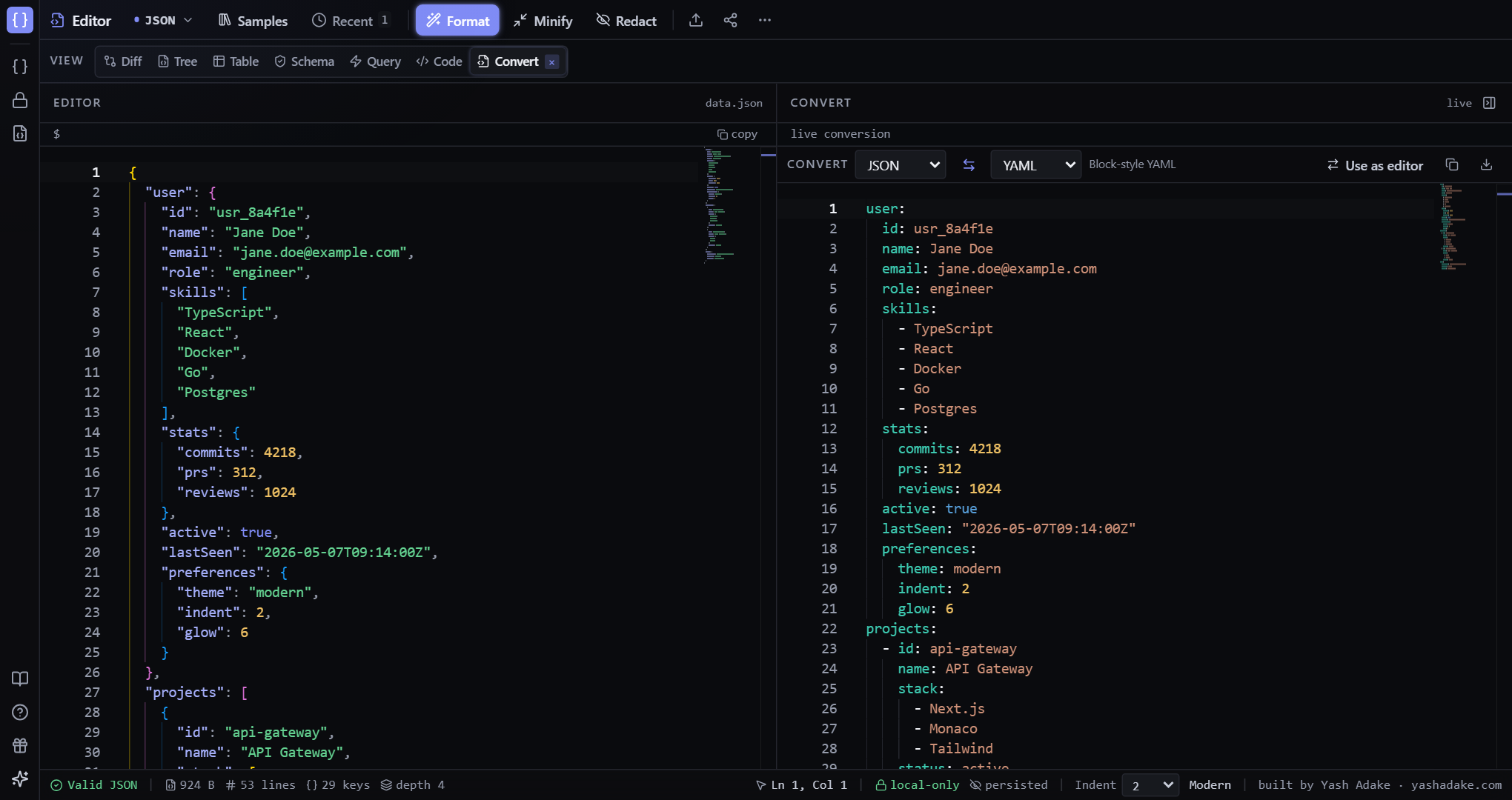
Convert any format to any other — pick From and To, or hit the swap button. TOON gives fewer LLM tokens.
Supported formats
Bidirectional conversion between any pair: JSON, YAML, XML, CSV, TOML, NDJSON, and TOON. Pick a source (From) and target (To) format — or click the ⇄ button to reverse. JSON acts as the lossless pivot. Each conversion is fully local; XML uses fast-xml-parser, CSV uses papaparse, TOML uses @iarna/toml.
Smart-paste
Pasting curl commands, base64-encoded JSON, or URL-encoded JSON triggers a banner offering to decode/extract automatically. NDJSON is detected when the parser fails and a banner offers to wrap as a JSON array.
Flattening (CSV)
When converting to CSV, nested object fields flatten to dot-paths (`user.address.city`). Arrays inside rows become JSON-encoded cells so the data round-trips.
TOON (Token-Oriented Object Notation)
TOON is a compact, lossless encoding designed for LLM prompts. It uses fewer tokens than JSON, especially for uniform arrays of objects. The converter shows an estimated token-savings percentage (approximate at ~4 chars per token). TOON round-trips losslessly back to JSON.
Examples
JSON → CSV for a spreadsheet
You have an array of API records; you want to open them in Excel.
- Paste the JSON array.
- Convert tab (or use the JSON to CSV landing page directly).
- Click `Export CSV`.
[
  { "id": "inv_001", "customer": "Acme", "amount_cents": 19900, "status": "paid" },
  { "id": "inv_002", "customer": "Globex", "amount_cents": 42000, "status": "open" },
  { "id": "inv_003", "customer": "Initech", "amount_cents": 9900, "status": "void" }
]id,customer,amount_cents,status
inv_001,Acme,19900,paid
inv_002,Globex,42000,open
inv_003,Initech,9900,void
NDJSON → JSON array
You have a Cloudflare log dump in NDJSON and want to query it.
- Paste the log.
- Banner appears: `Looks like NDJSON — wrap as JSON array?`
- Click Yes. Now use JSONPath, search, Table view, etc.