Search (Ctrl+F)
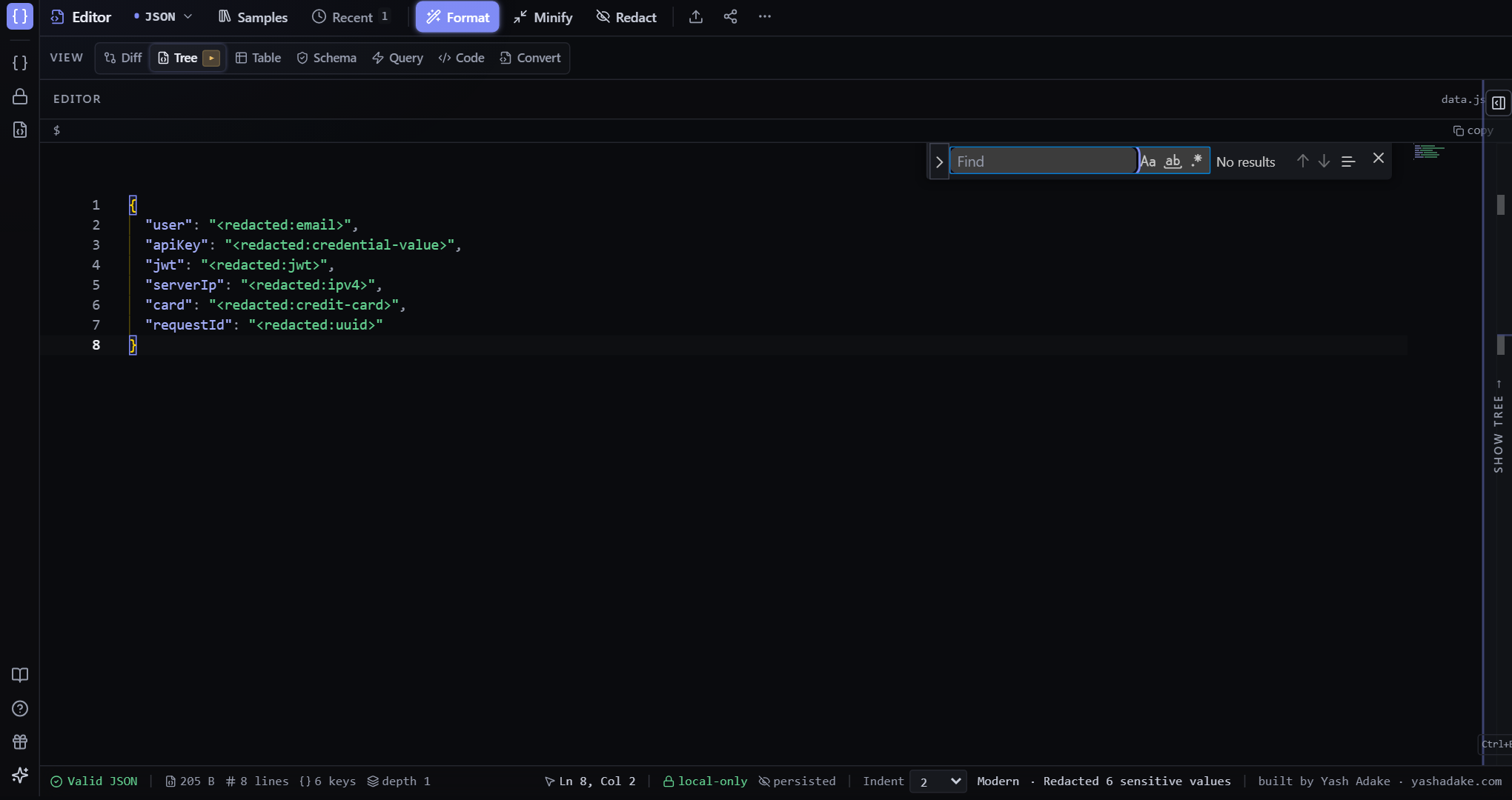
Key + value search with regex and case-sensitive toggles.
What it searches
Both keys and values are walked. Matches show a path (or `(raw line N)` for fallback hits), a preview of the value, and a `L<n>` line badge that scrolls the editor to that line on click.
Regex mode
Toggle the `.*` chip to treat the query as a JavaScript regular expression. Invalid patterns show a red border around the chip but never crash the overlay.
Case-sensitive
Toggle the `Aa` chip. Off by default — most JSON keys are lowercase anyway.
Raw-text fallback
If structured search returns zero hits (e.g. because the document failed to parse), MyJSON automatically falls back to a line-by-line substring search of the editor text. Matches show as `(raw line N)` and still jump to the editor line.
Examples
Find all UUIDs in a doc
You want to enumerate every UUID-shaped value to plug into a debugger.
- Ctrl+F to open search.
- Toggle the `.*` regex chip.
- Type `^[0-9a-f]{8}-[0-9a-f]{4}-[0-9a-f]{4}-[0-9a-f]{4}-[0-9a-f]{12}$`.
- Each UUID gets a hit with the path that holds it.