Settings
Keyboard shortcuts
The keys that make MyJSON keyboard-first.
Press ? from anywhere, or click the ? button in the toolbar.
Cheatsheet overlay
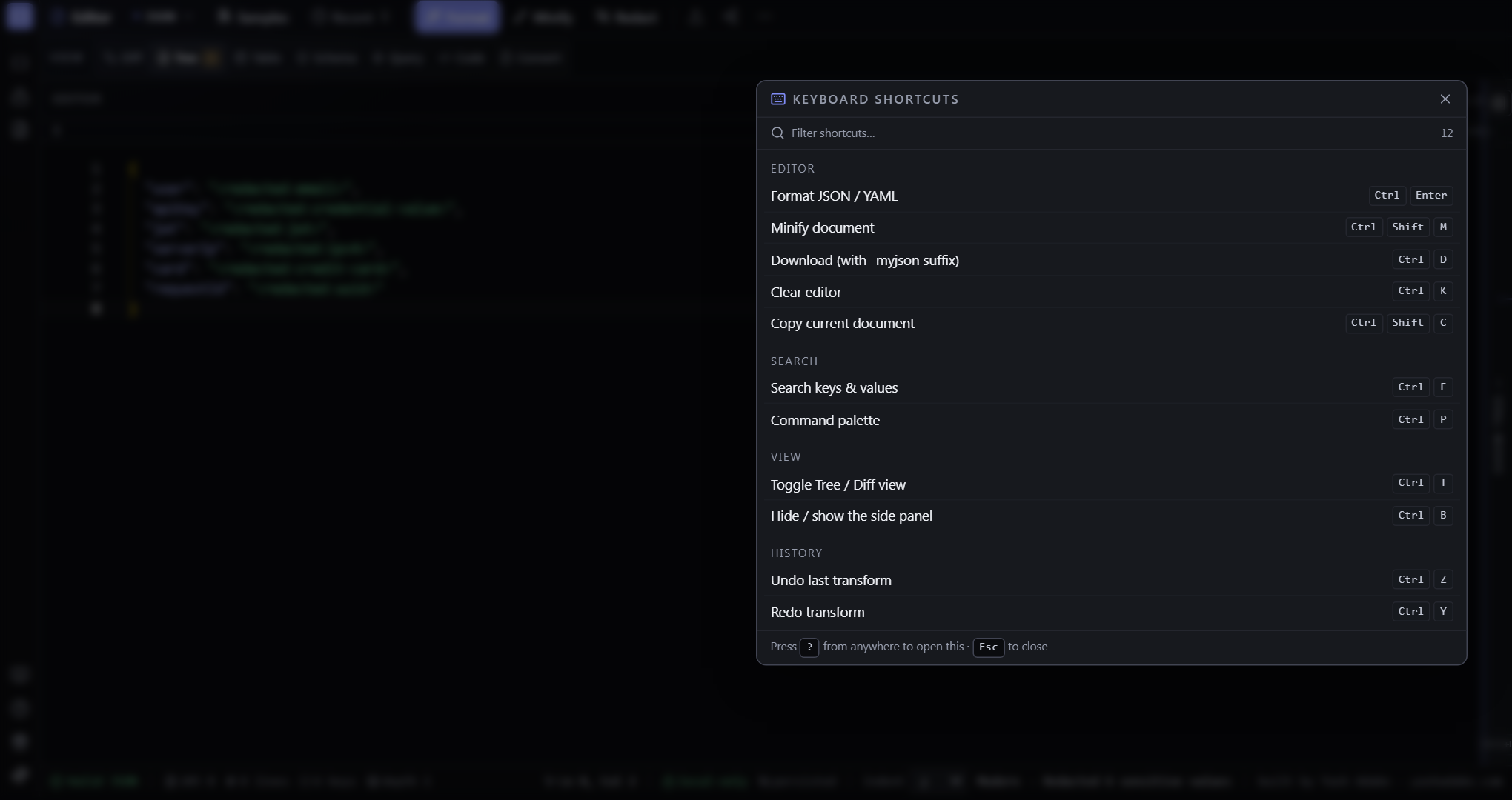
The full list is searchable in-app — press `?` (or click the keyboard button in the left activity rail). Below is the most common subset.
Editor
Ctrl+Enter format · Ctrl+Shift+M minify · Ctrl+D download · Ctrl+Shift+C copy · Ctrl+K clear
History
Ctrl+Z undo last transform · Ctrl+Y redo (also Ctrl+Shift+Z)
Notes
Monaco owns its own undo for ordinary typing — app-level Ctrl+Z only fires when your cursor isn't inside the editor. Inside the editor, Ctrl+Z behaves like VS Code.